Trees Hate You Controls: Full PC and Controller Guide
Learn all Trees Hate You controls for PC and controller in the demo build, including movement, jumping, interacting, dashing, and Tab tree checks soon.
Table of Contents
The core Trees Hate You controls on PC, as reported by players in the playable demo, are A/D or the left/right arrows for movement, Space or W/Up Arrow to jump, R to interact or reset, Shift for late-game dashing, and Tab to check for trees. One player starting the demo noted that you do not use the mouse at all, and the official Steam page for Trees Hate You lists a keyboard-only option plus full controller support for Xbox and PlayStation controllers. That makes this a low-click, high-precision game where movement choices matter more than menu settings.
PC Keyboard Controls for the Demo Build
The Steam listing does not publish a full button map as of October 12, 2026, so the detailed layout below comes from players who have tested the demo. It is small enough to memorize in a minute, which is helpful because the trees will not wait for you to look down. Trees Hate You is developed and published by Tykenn, and a community overview describes the game as a precision platformer with a cruel twist.
| Action | PC input or key | Notes |
|---|---|---|
| Move left / right | A / D or Left / Right Arrow Keys | Main movement; no mouse required |
| Jump | Spacebar or W / Up Arrow | Jump timing is part of dodge reads |
| Interact / Reset | R | Quick restart after a trap lands |
| Dashing (late game) | Shift | Not available at the very start |
| Check for trees | Tab | An in-game sign names this directly |
Movement is not just about holding left or right. The community notes that the game uses heavy physics, so your character has momentum and cannot stop on a dime when a tree suddenly pulls out a weapon. That makes the quick reset on R valuable, not for menus, but for getting back into a section after a mistimed jump or a sudden tree attack.
Official Controller and Accessibility Support
On the official store page, the input section lists full controller support for Xbox Controllers and PlayStation Controllers. It also lists a keyboard only option and says the game is playable without quick time events. As of October 12, 2026, this is the extent of the official control details on Steam; there is no published full remapping menu or alternate key graphic.
| Official input feature | Steam listing detail |
|---|---|
| Keyboard only option | Yes |
| Xbox Controllers | Full controller support |
| PlayStation Controllers | Full controller support |
| Quick time events | Playable without quick time events |
| Mouse | Not required for main play |
A separate community page describes touch controls for a mobile or tablet-style version: an on-screen joystick for left/right movement, a jump icon, a restart button, and a side action button for late-game dashing. That mobile layout is not confirmed on the Steam release page, so treat the official Steam version as PC and controller unless Tykenn announces a mobile port.
How the Movement and Momentum Feel
Your goal is simply to get to the end of the forest. Community notes say you start at a peaceful picnic spot and navigate through several Biomes of Bitterness, with small clearing markers acting as checkpoints. Trees with distinct red or darkened leaves signal high-aggression zones, so approach them with extreme caution. The community overview also says every tree has a detection zone, and the game uses unpredictable traps with false checkpoints and troll physics.
Controls only make sense once you see how the game punishes movement. The Steam description calls Trees Hate You a rage game focused on traps and gags, with a surprise around every corner to keep your hike infuriating. The traps are not passive scenery; a community overview says the trees will punch, shoot, or trap you the moment you step into their territory.
| Threat or tell | What players describe | Control response |
|---|---|---|
| Discolored ground | One player noticed a different color in the ground and avoided it | Stop, read the ground, then move |
| Winding-up tree | A tree begins an attack animation before swinging | Walk forward slowly, then retreat |
| Diagonal shooter | A player asked, "He shoots diagonally, right?" while watching a tree | Move upward or out of the shot line |
| Overhead or behind hit | A player was hit from behind and then from above | Keep moving and look up between jumps |
| Multiple gun trees | A player reacted that the trees all had guns | Bait one tree at a time and use movement windows |
The community survival plan breaks down into three simple steps that map directly to the controls.
| Step | Control action | Why it works |
|---|---|---|
| Bait the attack | Walk slowly forward, then immediately retreat | Triggers the tree wind-up without committing |
| Leapfrog | Jump or run past after a missed attack | Uses the tiny cooldown window after a miss |
| Look up | Watch the upper half of the screen while moving | Branches can drop from above or shoot diagonally |
In-Game Signs and Trap Reads
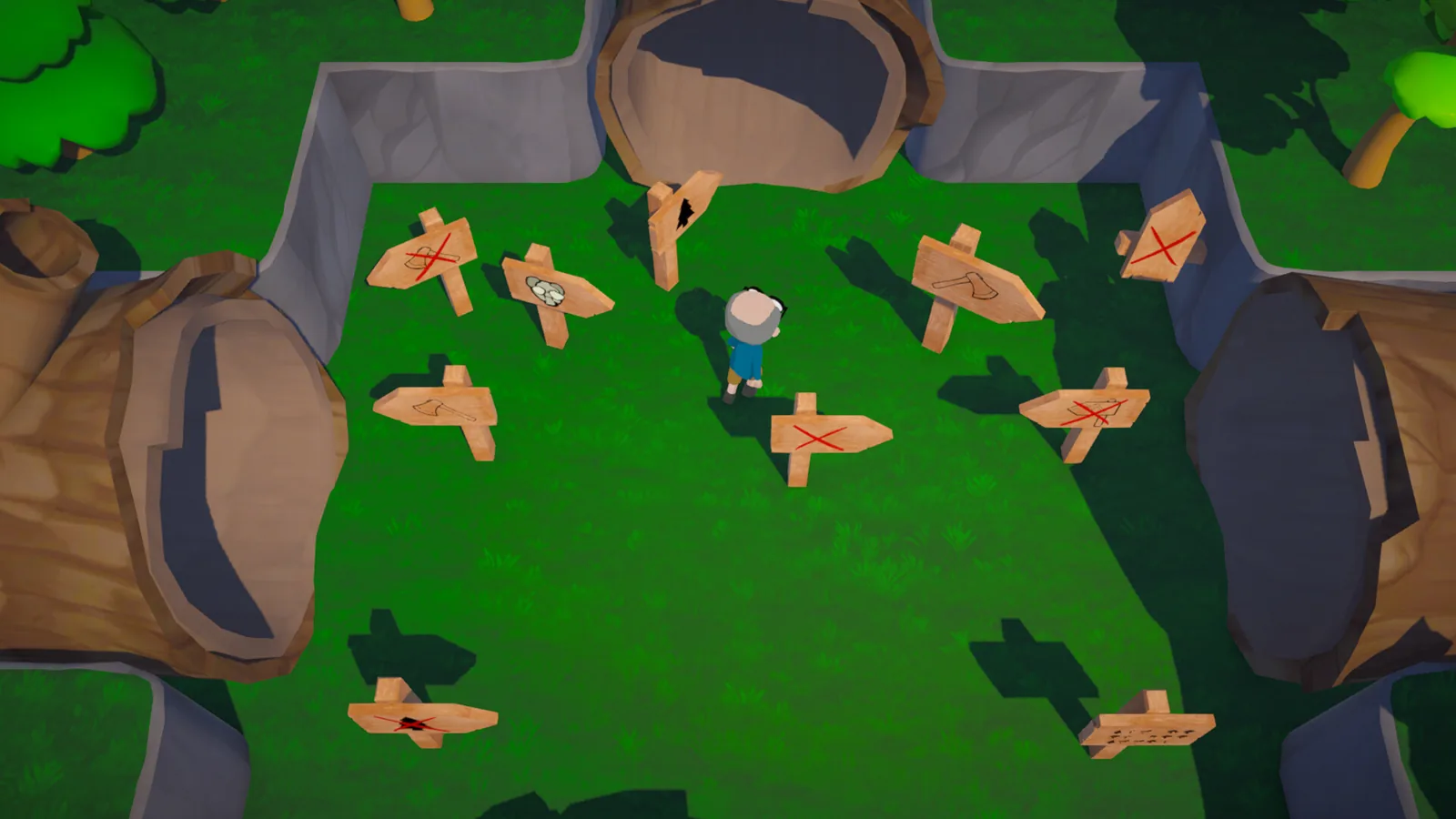
The playable demo uses signs and prompts as part of the comedy, but some of them contain real control or game-state information. One early sign says, "Be sure to read every sign you see. You never know when one will say something useful." The most direct control hint appears later: "If you get stuck, press tab and check for trees."
| Sign or prompt | Text or player report | What it tells you |
|---|---|---|
| Early sign | "Be sure to read every sign you see. You never know when one will say something useful." | Read signs; some teach mechanics |
| Stuck hint | "If you get stuck, press tab and check for trees." | Use Tab as a check tool |
| Direction sign | A player read "this way" and noted it switches direction every time | Do not trust simple directions |
| Arcade machine | "Insert coin." | Demo gag without a control function |
| Act end | "End of act one. Tree Malice will continue in the full game." | Marks the demo endpoint |
These signs matter because the game hides real help next to gags. The Tab key does not appear on some player-made control charts, but the in-game sign directly names it, so it is worth remembering when you feel stuck or cannot spot the next threat.
Demo Progress and Full Game Release
The official Steam page lists the release date as Nov 16, 2026, and as of October 12, 2026, the same page says, "This game plans to unlock in approximately 5 weeks." A demo is available to download from that page before release, and community notes say the demo features the first few levels of the "Forest of Frustration." One player reached a sign that read, "End of act one. Tree Malice will continue in the full game." The Steam page also lists support for single-player, Steam Achievements, Steam Cloud, and Family Sharing. Minimum requirements are Windows 10 or Higher and 1 GB available space. Two news posts appear on the store page: an August 29, 2026 release date announcement and a June 19, 2026 demo update note. When the full version unlocks, the Trees Hate You controls you learned in the demo should carry over, though late-game abilities like the Shift dash may open up more complex movement.
Next steps
FAQ
What are the Trees Hate You controls on PC?
In the playable demo, players report A/D or the left/right arrows for movement, Space or W/Up Arrow to jump, R to interact or reset, Shift for late-game dashing, and Tab to check for trees. The Steam page does not publish a full key map as of October 12, 2026.
Does Trees Hate You support controllers?
Steam lists full controller support for Xbox Controllers and PlayStation Controllers, plus a keyboard only option. The same page says the game is playable without quick time events.
Can I play the demo with a mouse?
No. A player starting the demo noted that you do not use the mouse, and the main action is keyboard- or controller-driven.
Is there a mobile version?
The official Steam page does not list a mobile version. A community page describes mobile/tablet touch controls, but that appears to be a separate or unofficial version, so treat the Steam release as PC and controller.
Related Articles
Continue Reading
act 2: Demo Status and Player Survival Guide
Looking for Trees Hate You act 2? See what the official itch.io demo includes on Oct 12, 2026, plus controls, update notes, and player survival reports.
Arcade Machine Guide: Demo Tips and Survival
Get the real story on the Trees Hate You arcade machine search, plus official Steam release facts, demo survival tricks, and player-reported trap moments.
Arcade Machine High Score Guide and Tips
Discover how Trees Hate You arcade machine high score runs work, what the demo teaches, and which traps players report before the November 16, 2026 launch.
Challenge Mode Guide: Demo Tips and Unlocks
Trees Hate You challenge mode changes the demo with extra traps and seeded events. Discover unlock steps, player reports, and official Steam release notes.
Tree Guide: Traps, Tricks and Survival
Discover how the Trees Hate You tree turns a simple forest hike into a rage-comedy gauntlet, including demo traps, survival tactics, and control tips.
Full Game Release Date and Demo Details
Trees Hate You full game releases on Steam on November 16, 2026. Get the official release date, demo details, controls, features, and system requirements.