
Trees Hate You Demo Speedrun: Set Up Timer and Death Counter
Learn how to enable the timer and death counter for a Trees Hate You demo speedrun, record comparable run stats, and use the end-of-run result screen.
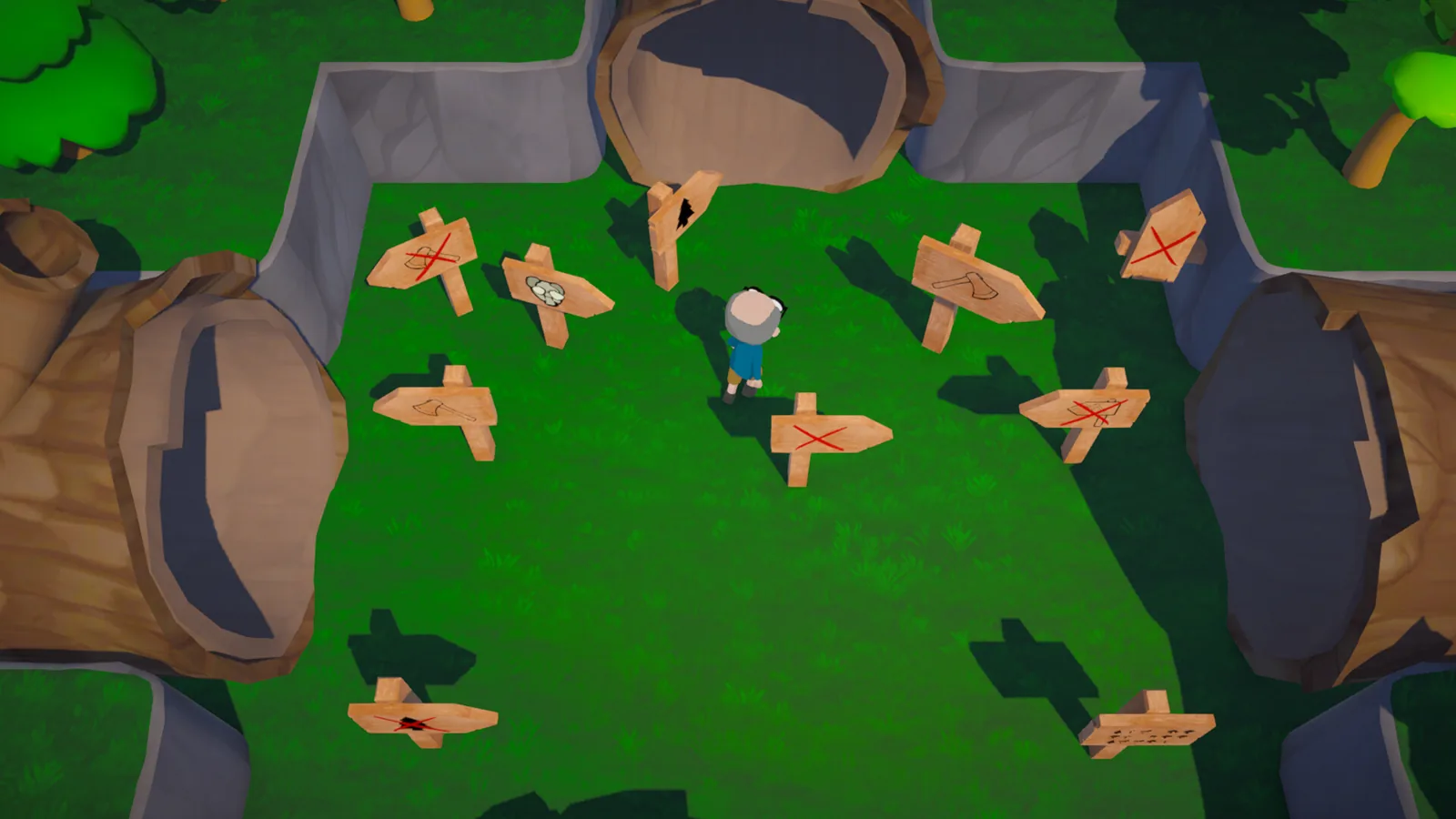
To record a comparable Trees Hate You demo speedrun, open Settings in the Steam demo and enable the timer and death counter so both stats appear on the HUD during a run and on the results screen after the run. The June 19, 2026 demo update added these readouts, and the developer called them the most requested features. This page covers setup and result logging for the current demo only; the full release is planned for November 16, 2026, and this article will be updated after launch if the options change.
The main source is the Steam developer announcement, “Demo Updates & Next Fest,” published June 19, 2026. That post states the timer and death counter appear at the end of a run and also on the HUD if you enable them from the Settings menu. The same update added a new checkpoint near the end of level 1, just before the tree-for-fall, plus miscellaneous trap adjustments and bug fixes.
What the Timer and Death Counter Track in the Demo
The June 19, 2026 update introduced two features for timed demo runs: a timer and a death counter. The developer described them as “our most requested features,” but the announcement does not specify how the timer handles pauses, menus, or loading screens. For comparable results, treat the timer the same way on every attempt and do not assume the game pauses the timer automatically.
The HUD display is optional. A run can have the timer and death counter enabled or hidden during active play, but both should still be available on the end-of-run screen. The table below separates those display states.
| Readout | HUD during play | End-of-run screen |
|---|---|---|
| Timer | Optional, enabled from Settings | Appears |
| Death counter | Optional, enabled from Settings | Appears |
According to the update post: “The timer and death counter have been our most requested features, and we’ve finally added them. They will appear at the end of a run, as well as on the HUD if you enable them from the Settings menu.” That single sentence explains both the trigger and the display location. If a recorded run shows no HUD timer, that does not necessarily mean timing was off; it may only mean the HUD option was not enabled.
How to Set Up a Trees Hate You Demo Speedrun Timer
The setup path starts in the Settings menu of the Steam demo. The June 19, 2026 announcement says players can enable both features from Settings, but it does not list exact menu label names or positions. Use this pre-run checklist so every logged attempt starts from the same baseline.
- Launch the Trees Hate You Steam demo and confirm it is the June 19, 2026 demo update or later.
- Open Settings and enable the timer and death counter.
- Write down whether you are playing normal mode or Challenge Mode.
- Keep the same settings and route for each attempt if you want comparable numbers.
The table below turns the checklist into a setup record you can paste into run notes.
| Step | Action | Why it matters |
|---|---|---|
| 1 | Launch the demo | Make sure you are not using an older demo build from before the June 19, 2026 update |
| 2 | Open Settings | Timer and death counter are not enabled by default as HUD elements |
| 3 | Enable both readouts | The HUD display is optional |
| 4 | Note the mode | Normal mode and Challenge Mode handle traps differently |
If you are comparing with another player, do not assume the HUD is enabled by default. The update notes say the timer and death counter appear on the HUD “if you enable them,” so a missing HUD in one recording may simply mean the option was off.
Why Normal Mode and Challenge Mode Need Separate Records
The April 24, 2026 demo announcement introduced Challenge Mode and described it as “a trickier, but fairer playthrough more ideal for things like speedrunning.” That mode changes several gameplay elements that directly affect a timed or death-counted run.
| Challenge Mode change | Effect on run comparability |
|---|---|
| Every trap is out from the start with no changes when you respawn | Reduces variation between respawns |
| Certain randomized events are seeded | Makes repeat attempts more predictable |
| Extra traps are sprinkled throughout the levels | Changes the route or timing compared with normal mode |
Because of those differences, a normal-mode run and a Challenge Mode run should be kept in separate records. The timer and death counter can be enabled in either mode, but the final number only tells part of the story unless the mode label is attached.
Recording a Comparable Demo Speedrun Result
When a run ends, the timer and death counter should appear on the results screen. For a well-documented demo speedrun entry, record more than the final time: include the demo update date, mode, and whether timing readouts were enabled. The table below shows the minimum fields that help later readers judge whether two results are comparable.
| Field | Why it matters | Suggested value |
|---|---|---|
| Demo update | Trap and checkpoint changes can affect routes | June 19, 2026 demo update or later |
| Mode | Normal and Challenge Mode handle traps differently | Normal or Challenge Mode |
| Timer enabled | HUD timing is optional, not automatic | Yes |
| Death counter enabled | Death count may be part of your ruleset | Yes |
| End-of-run result | This is the source for the timer and death count | Copy exactly as shown |
Because the developer wrote that the June 19, 2026 update is “likely the last major demo update,” recording the demo update date may be enough until the full release. The same post says any additional major updates are “saved for the full release,” planned for November 16, 2026 according to the Steam store page for Trees Hate You.
What the June 19, 2026 Demo Update Means for Speedrun Settings
The update that added the timer and death counter also changed level 1 in a way that affects run consistency. The developer added a new checkpoint near the end of level 1, just before the tree-for-fall. The announcement explains: “There was a large stretch of the first level that had no checkpoint between the one on the hill and the end of the level. Now we’ve added an additional checkpoint just before the tree-for-fall.”
This checkpoint can change how deaths and retries affect the final time or death count. The same update also included miscellaneous trap adjustments and bug fixes, plus a few more character creator options. The developer did not provide a detailed patch list of every trap change, so for now the safest practice is to compare runs only from the same update date. The table below lists the demo announcements that matter most for this setting.
| Demo update date | Speedrun-relevant change | Official source statement |
|---|---|---|
| 2026-04-24 | Demo released; Challenge Mode added | Challenge Mode described as more ideal for things like speedrunning |
| 2026-06-19 | Timer and death counter added; new level 1 checkpoint added | Timer and death counter were the most requested features |
| 2026-08-29 | Full release date revealed | Full release planned for November 16, 2026 |
The developer also wrote that this is “likely the last major demo update,” with the statement that “this is intended to be the final form of the demo, with any additional major updates saved for the full release.” The game is still pre-release, so this article does not provide a route, a best time, or a world record. Those details are not present in the sources used here, and the official demo notes do not publish leaderboard data.
FAQ
How do I enable the timer and death counter for a Trees Hate You demo speedrun?
Open Settings in the Steam demo and enable both options. The June 19, 2026 demo update added them, and they appear at the end of a run plus on the HUD if enabled from Settings.
Does the timer start automatically when I begin a run?
The June 19, 2026 developer announcement does not specify whether the timer includes menu time, pause time, or loading screens. For comparable results, keep your setup and run flow the same for each attempt.
Should I record normal mode or Challenge Mode for a demo speedrun?
Record whichever mode you use. The April 24, 2026 demo post describes Challenge Mode as having seeded randomized events and extra traps, calling it “a trickier, but fairer playthrough more ideal for things like speedrunning.” Normal and Challenge Mode results should be listed separately.
Is the current demo timing setup final?
The developer wrote on June 19, 2026 that this is likely the last major demo update, with additional major updates saved for the full release. If a future demo patch changes the timer or death counter, compare runs from the same update.
Related Articles
Continue Reading
Challenge Mode: Demo Unlock and Differences
Trees Hate You challenge mode unlocks after finishing the Steam demo once. See the confirmed trap, respawn, seeded event, and extra trap differences here.
GuidesControls: How to Open the Pause Menu in Demo
Learn how trees hate you controls work in the demo. Players report Tab opens the pause menu and settings when Esc fails. Includes Steam Community notes.
CharactersCharacters: Demo Customization Options
Learn how trees hate you characters customization works in the Trees Hate You demo, covering eyes, mouths, hair, clothes, skin, styles, and default options